
Troubleshoot
Emergency Network Troubleshooting
Resolve outages, slow applications, VPN failures, firewall routing issues, Wi-Fi instability, and cloud connectivity incidents.
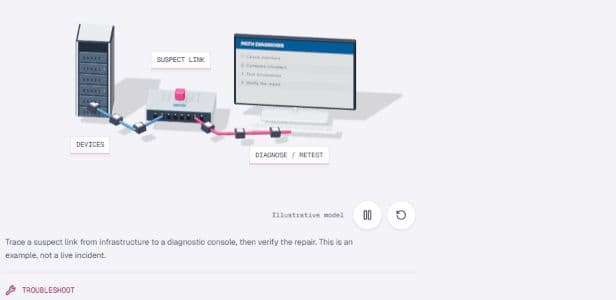
Trace a suspect link from infrastructure to a diagnostic console, then verify the repair. This is an example, not a live incident.
- 01Current stateMap the environment and pressure.
- 02Authorized scopeAgree access, impact, and owners.
- 03Engineering workOperate, change, or remediate.
- 04Verified handoffDocument evidence and next controls.
Best fit
Who this service is for
Teams facing business-impacting network symptoms where vendor calls, random changes, or temporary fixes are not enough.
Troubleshooting starts with impact, timeline, recent changes, logs, packet evidence, and rollback readiness before touching production.
Outcomes to plan for
- Issue triage
- Packet-level analysis
- Vendor-aware escalation
- Prevention plan
Operational triggers
Choose this service when these signals appear.
Scope
What we inspect, operate, or change.
Agree the systems, access permissions and change boundaries before work starts. The engagement scope determines which activities are included.
- Impact triage
- Layered fault isolation
- Log and packet evidence review
- Vendor escalation
- RCA and prevention plan
Deliverables
What remains with your team after the work.
- Incident notes
- Root-cause hypothesis
- Action log
- Stabilization plan
- Post-incident recommendations
FAQ
Questions to resolve before work begins.
What information helps emergency troubleshooting?
Affected users, start time, recent changes, error screenshots, firewall logs, ISP ticket status, packet captures, monitoring alerts, and known rollback options.
Can QCS help after the incident is fixed?
Yes. After stabilization, the incident can be converted into documentation, monitoring, firewall cleanup, backup checks, and a managed support plan.
Request review
Discuss emergency network troubleshooting.
Tell us about your environment, the issue or project, and the outcome you need. Do not include passwords or sensitive configuration details.